Cybersecurity basics refer to the foundational knowledge, practices, and tools that protect computers, networks, and data from unauthorized access, theft, or damage. If you're starting a career in IT or simply want to protect yourself online, understanding these fundamentals is non-negotiable. Every day, millions of cyberattacks target individuals and organizations alike, and the threat landscape grows more complex each year.
This beginner cybersecurity guide walks you through what cybersecurity actually involves, why it matters, the most common threats you'll encounter, and practical steps you can take to defend against them. Whether you're studying for a certification or just want safer browsing habits, this is your starting point.
Key Takeaways
- Cybersecurity basics cover the people, processes, and technology that protect digital systems.
- Phishing remains the most common attack vector, responsible for over 80% of breaches.
- Strong passwords and multi-factor authentication stop most unauthorized access attempts.
- Regular software updates and security audits reduce your vulnerability surface significantly.
- Free network security tools like Wireshark and ClamAV offer real protection for beginners.
What Is Cybersecurity and How Does It Work?
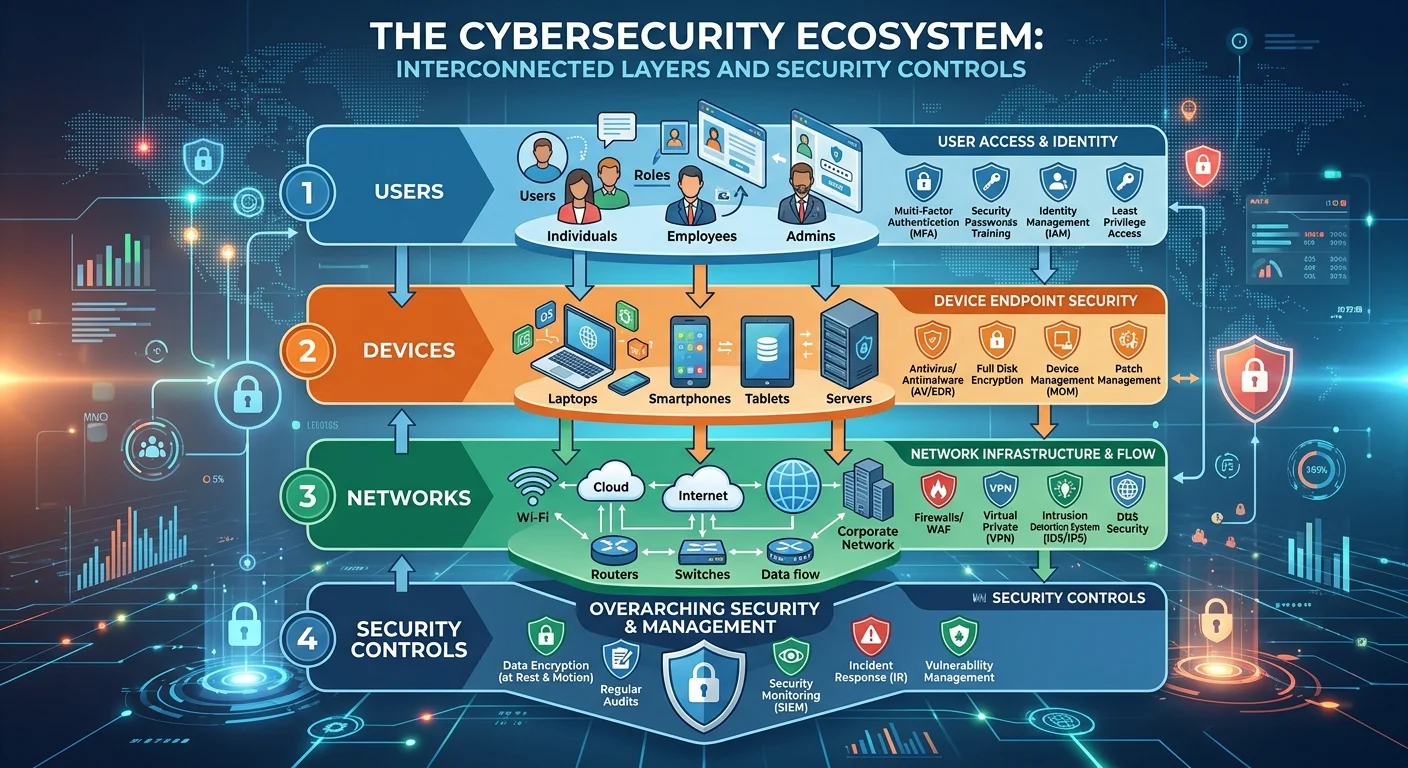
Cybersecurity is the practice of defending computers, servers, mobile devices, electronic systems, networks, and data from malicious attacks. It spans multiple domains including application security, network security, operational security, and disaster recovery. Organizations and individuals alike rely on a combination of hardware, software, and human awareness to build a functional defense. At its core, cybersecurity works by identifying threats, preventing unauthorized access, detecting breaches when they happen, and responding to minimize damage.
The Three Pillars: CIA Triad
The CIA Triad stands for Confidentiality, Integrity, and Availability. Confidentiality means restricting access to information so only authorized users can view it. Integrity means data stays accurate and unaltered unless modified by someone with proper permissions. Availability means systems and data are accessible to legitimate users whenever needed. Every security control, from encryption to firewalls, maps back to one or more of these three principles.
Understanding the CIA Triad helps you evaluate any security measure you encounter. When a company encrypts customer records, that's confidentiality. When a bank uses checksums to verify transaction data hasn't been tampered with, that's integrity. When an e-commerce site uses redundant servers so it stays online during traffic spikes or attacks, that's availability. These concepts form the backbone of cybersecurity basics, and you'll see them referenced in virtually every certification exam and security policy. As DataGuard explains, strong cybersecurity posture also builds customer trust and supports regulatory compliance.
The CIA Triad is not about the intelligence agency. It is a fundamental model taught in every cybersecurity course.
Common Threats and Attack Types
Knowing the common cyber threats you face is half the battle. Attackers range from lone hackers looking for easy targets to organized crime groups and state-sponsored actors. The types of cyberattacks vary in sophistication, but many of the most damaging ones exploit human error rather than technical flaws. Below are the two broad categories every beginner should understand.
Social Engineering Attacks
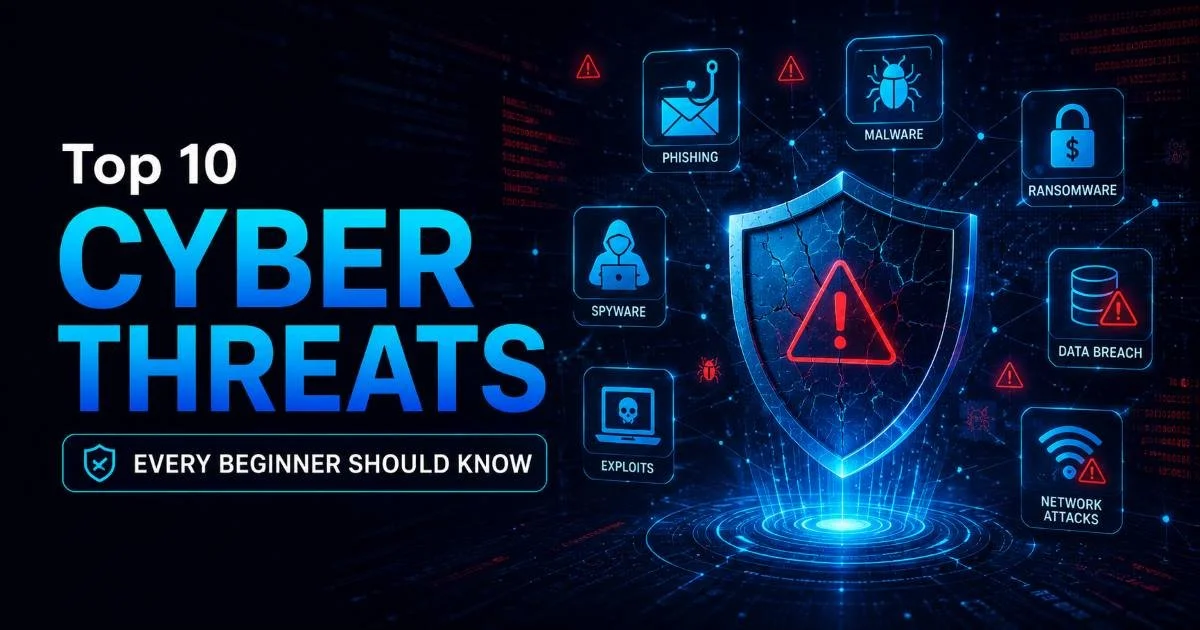
Social engineering manipulates people into giving up confidential information or performing actions that compromise security. Phishing is the most widespread form: attackers send emails that mimic legitimate organizations, tricking recipients into clicking malicious links or sharing credentials. Spear phishing targets specific individuals with personalized messages, making it far harder to detect. Pretexting, baiting, and tailgating are other forms of social engineering that exploit trust, curiosity, or routine.
These attacks succeed because they bypass technical controls entirely. You can have the best firewall in the world, but if an employee hands over their password to someone pretending to be from IT support, that firewall is irrelevant. Training and awareness programs are the primary defense against social engineering. Regular simulated phishing exercises help employees recognize red flags before real attackers exploit them.
Technical Attacks
Technical attacks exploit software vulnerabilities, network misconfigurations, or weak authentication mechanisms. Malware (including viruses, worms, ransomware, and trojans) is software designed to damage or gain unauthorized access to systems. Ransomware specifically encrypts a victim's files and demands payment for the decryption key; the 2021 Colonial Pipeline attack shut down fuel distribution across the U.S. East Coast. Denial-of-service (DoS) attacks flood servers with traffic to make them unavailable, while SQL injection and cross-site scripting target web application weaknesses.
Man-in-the-middle (MitM) attacks intercept communication between two parties, often on unsecured public Wi-Fi networks. The attacker can read, modify, or inject data into the conversation without either party knowing. Zero-day exploits target vulnerabilities that software vendors haven't patched yet, making them especially dangerous. Understanding these attack types gives you the vocabulary and mental framework to assess risks in any environment you work in.
Never conduct banking or access sensitive accounts on public Wi-Fi without a VPN. MitM attacks on open networks are trivially easy to execute.
Protection Methods and Tools for Beginners
Learning cybersecurity basics isn't just about recognizing threats; it's about actively defending against them. Protection operates on multiple levels: personal habits, device configuration, network architecture, and organizational policy. The good news is that many effective defenses are free or low-cost, and they don't require advanced technical skills to implement. Here are practical online safety tips and network security tools that beginners can start using today.
Everyday Safe Practices
Start with passwords. Use a unique, complex password for every account, ideally 14 characters or more combining uppercase, lowercase, numbers, and symbols. A password manager like Bitwarden or KeePass eliminates the need to memorize them. Enable multi-factor authentication (MFA) on every service that supports it, especially email, banking, and cloud storage. MFA adds a second verification step, typically a code from an app or a physical key, that stops attackers even if they steal your password.
Keep your operating system, browser, and applications updated. Software updates frequently patch security vulnerabilities that attackers actively exploit. As outlined in this guide on how often to run website security audits, regular checks are not optional but a recurring necessity. Back up your data to an external drive or encrypted cloud service. If ransomware hits, a recent backup means you can restore your files without paying a ransom. Review cybersecurity best practices to build a comprehensive personal security routine.
Set your devices to install updates automatically. Manual update schedules tend to slip, leaving you exposed longer than necessary.
Beginner-Friendly Security Tools
| Tool | Purpose | Cost | Skill Level |
|---|---|---|---|
| Wireshark | Network traffic analysis | Free | Beginner to Intermediate |
| ClamAV | Open-source antivirus | Free | Beginner |
| Bitwarden | Password manager | Free / Premium | Beginner |
| Nmap | Network scanning and mapping | Free | Intermediate |
| pfSense | Firewall and router | Free | Intermediate |
| Malwarebytes | Malware detection and removal | Free / Premium | Beginner |
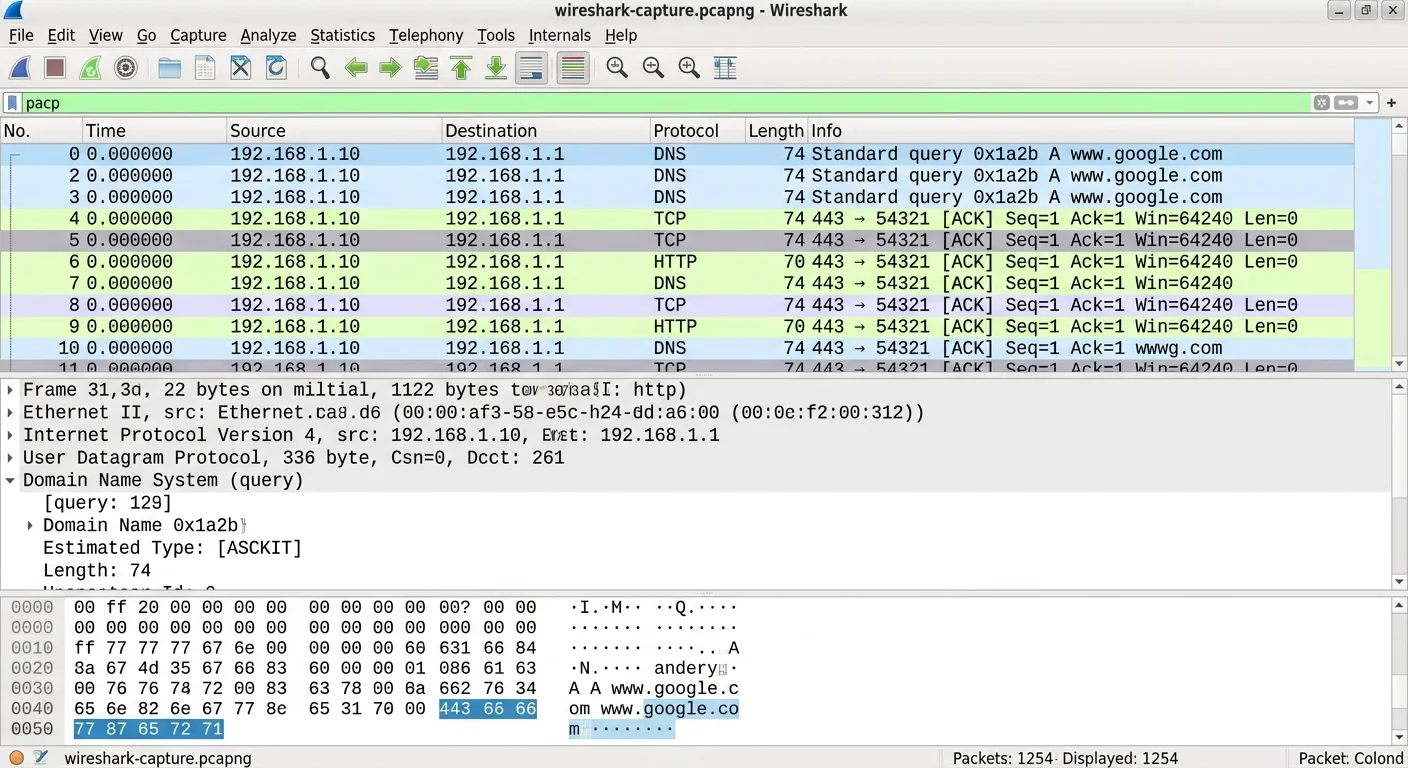
Wireshark lets you capture and inspect network packets in real time, which is invaluable for understanding how data moves across a network. Nmap scans networks to discover devices and open ports, helping you identify potential entry points attackers might exploit. ClamAV and Malwarebytes handle malware detection on the endpoint level. pfSense turns an old computer into a powerful firewall. None of these require expensive licenses, and each has extensive documentation and community support. Starting with these tools gives you hands-on experience that textbooks alone cannot provide.
Common Misconceptions and Related Concepts
Beginners often carry assumptions into cybersecurity that can create blind spots. Some of these myths come from Hollywood portrayals of hacking; others come from outdated advice that made sense a decade ago but doesn't hold up today. Clearing up these misconceptions early will save you time and keep you from developing a false sense of security. Let's also position cybersecurity relative to terms you'll encounter as you learn more.
Myths That Put You at Risk
"I'm not important enough to be hacked" is perhaps the most dangerous myth. Automated attack tools scan the entire internet looking for vulnerable devices, regardless of who owns them. Your home router, smart TV, or old laptop can become part of a botnet used to attack others. Small businesses are particularly attractive targets because they often lack dedicated security staff yet handle valuable customer data. Nobody is too small or too uninteresting to be compromised.
"Automated attack tools don't care who you are. They scan every IP address on the internet looking for easy wins."
"Antivirus software is all I need" is another misconception that leads to complacency. Antivirus catches known malware signatures, but it won't stop phishing emails, social engineering, or zero-day exploits. A layered defense strategy, combining updated software, strong authentication, user training, network monitoring, and regular backups, is what actually reduces risk. No single tool provides complete protection, and understanding cybersecurity basics means accepting that security is a continuous process, not a product you install once.
Cybersecurity vs. Information Security
You'll often see "cybersecurity" and "information security" used interchangeably, but they aren't identical. Information security (InfoSec) protects all forms of information, including physical documents, verbal communications, and digital data. Cybersecurity specifically focuses on protecting digital systems and networks from electronic threats. Think of cybersecurity as a subset of InfoSec. If someone steals a printed document from your desk, that's an information security breach but not technically a cybersecurity incident.
Related terms you'll encounter include IT security (protecting technology infrastructure), operational security (protecting processes and decisions), and application security (securing software through its development lifecycle). Each discipline overlaps with the others, and professionals often work across multiple areas. As a beginner, focusing on cybersecurity basics gives you the broadest applicable foundation. From there, you can specialize based on your interests, whether that's penetration testing, security operations, governance, or cloud security.
Certifications like CompTIA Security+ are designed for beginners and cover all these foundational domains in a structured way.
Frequently Asked Questions
?How do I set up multi-factor authentication as a beginner?
?Is Wireshark safe for beginners with no networking background?
?How long does it realistically take to learn cybersecurity basics?
?Does antivirus alone protect against phishing attacks?
Final Thoughts
Cybersecurity is not a destination but a discipline you practice every day. The threats will evolve, the tools will change, and new vulnerabilities will emerge constantly. What remains stable are the fundamentals: understanding how attacks work, applying layered defenses, staying skeptical of unsolicited messages, and keeping your systems updated.
Start with the practices and tools outlined in this guide, build your skills through hands-on experimentation, and never assume you're too small to be a target. The best time to learn was yesterday; the second best time is right now.
Disclaimer: Portions of this content may have been generated using AI tools to enhance clarity and brevity. While reviewed by a human, independent verification is encouraged.